install.packages("tidyverse")Welcome
This 4-day course offers a comprehensive journey in R, from beginner to advanced levels, with a focus on practical data analysis, visualisation, and real-world applications in health data science.
Whatever your background or experience with R — whether you’re a total beginner or have some prior experience — we hope you find this course useful, enjoyable, and the beginning of a rewarding journey using R.
Course overview
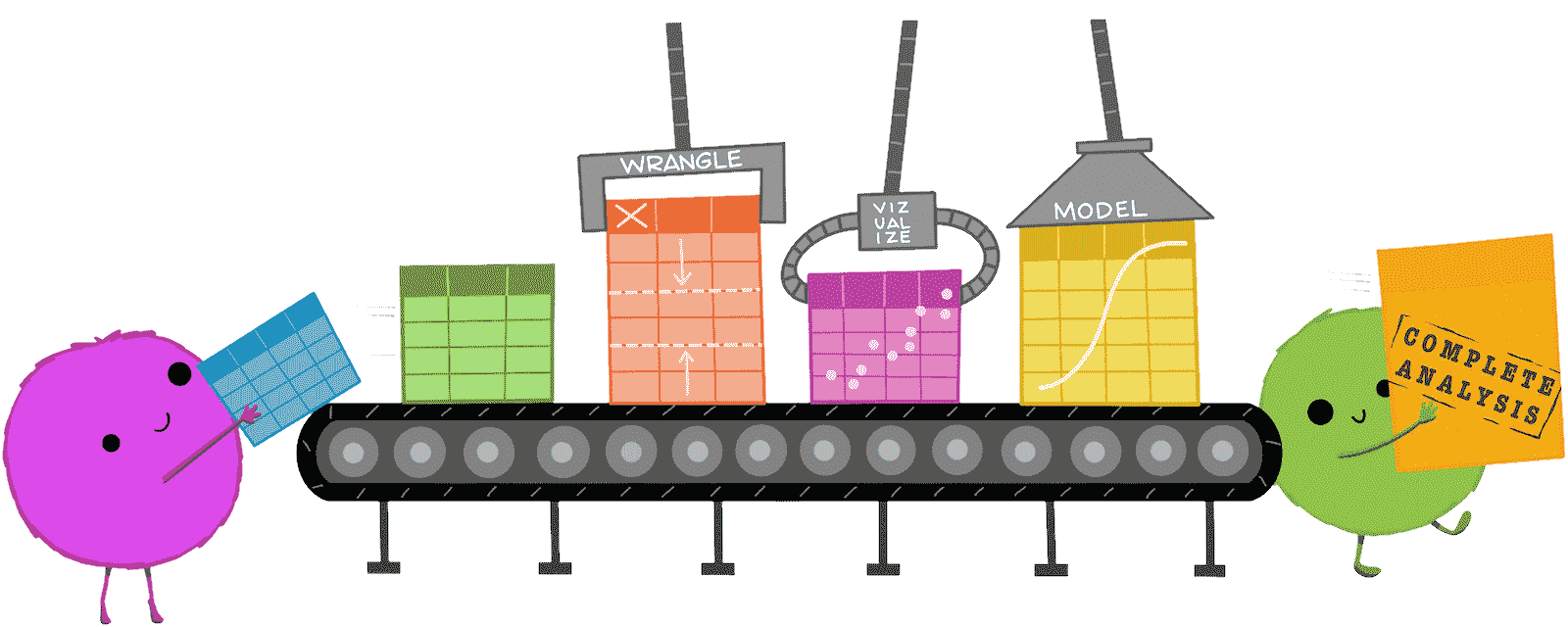
The course is divided into four sessions, starting with the fundamentals of R, including data types, subsetting, control flow, and an introduction to the R language and the RStudio environment. Subsequent sessions will focus on essential skills for health data science, such as data manipulation and visualisation, along with techniques to make your code more efficient, like writing functions.
Later sessions delve into advanced topics, including iteration, vectorisation, and efficient modelling with purrr and broom, all applied to health data science. Practical exercises and a mini-project provide hands-on experience with health-related datasets, culminating in dynamic reporting using Quarto.
Session 1 (“Beginner”)
21st January, 2025
- Welcome and introduction to R
- Data types and objects
- Importing and exporting data
- Subsetting
- What’s a function?
Session 2 (“Intermediate”)
28th January, 2025
- Iteration and control flow
- Data manipulation with the tidyverse
Session 3 (“Intermediate”)
4th February, 2025
- Further data manipulation tasks
- Plotting with ggplot2
- Mini project
Each session will run from 13:00 to 17:00 (UK time). The sessions will include live lectures and practical exercises, with opportunities to ask questions throughout. All sessions will be recorded.
Software
You will need access to R and RStudio to participate in the practicals. R is the programming language, whereas RStudio is an editor we’ll use during the course. You have two options:
Create a free account at https://posit.cloud, an online version of RStudio.
Install R and RStudio locally on your computer. See the links on this page. Note that you need to install both R and RStudio.
The free online account will be enough for this course. However, if you want to practice outside the course or run your own analyses, we recommend installing R locally.
Once you’ve installed RStudio, install the ‘tidyverse’ package by typing:
Please ensure you can access to a working R environment before the course starts. This could be the online option above or a local installation.